
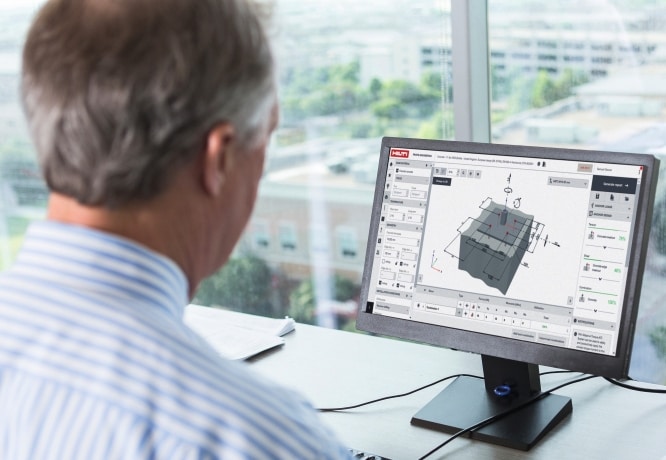
How to eliminate the need to enter the same parameters for your anchor design each time you have a new project?
Great news, with PROFIS Engineering you have the ability to save custom design templates that allow you to easily set repeated designs parameters for baseplate size, profile, anchor type and spacing, material properties, and more. Design template setup only takes a few minutes to complete but will ensure your design parameters are set for all your future use. Here are the steps to get this setup:
Step 1: Choose module based on base material you are anchoring into:
Step 2: Set up your design with your desired parameters and click Save as template:
Step 3 & 4: Give the template a unique name and click on save:
Step 5: Saved templates can be found in the “Templates” folder on the home page of PROFIS Engineering.
Step 6 & 7: To create a new design using the saved templates, click  and “Create Design”
